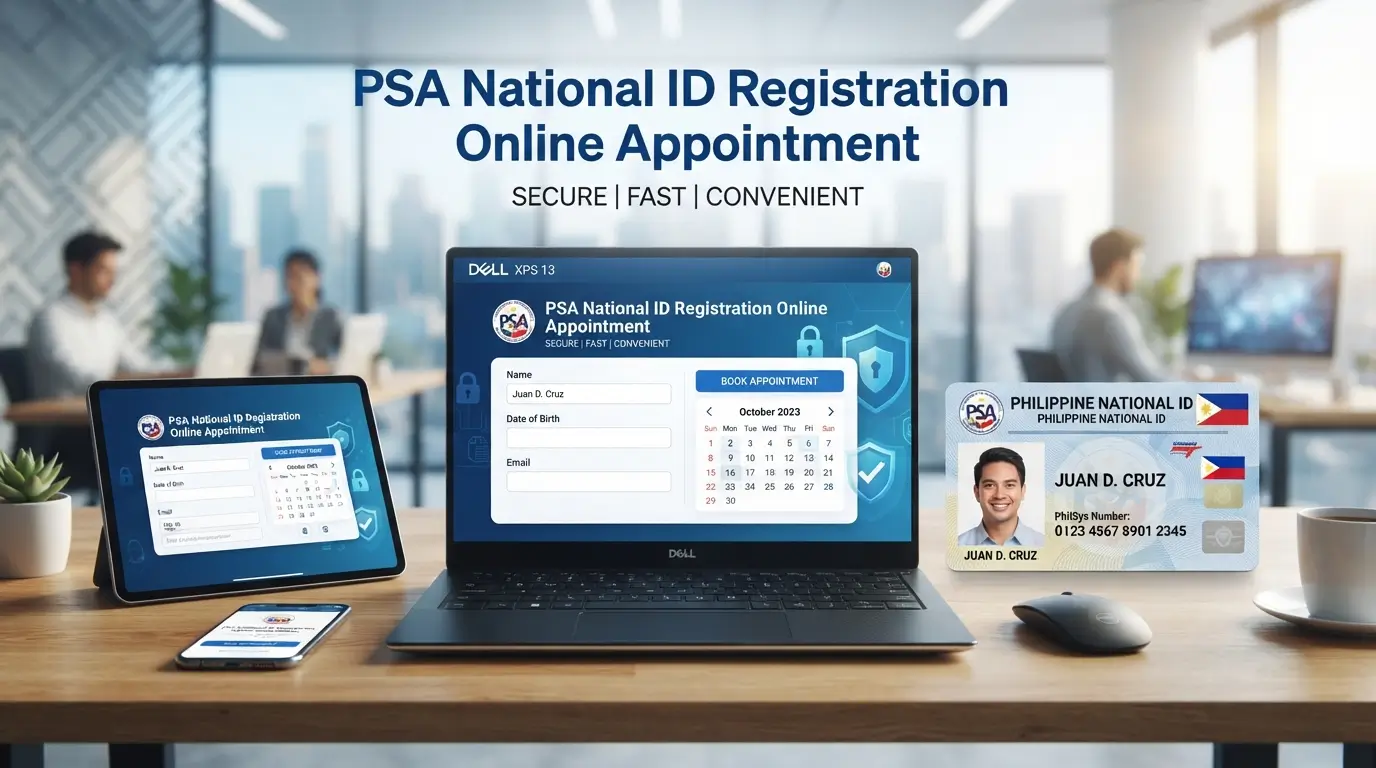
PSA National id Registration Online Appointment
A common misconception has trapped many Filipinos into unnecessary waiting the belief that registering for a PhilSys National ID requires booking an appointment through the Philippine Statistics Authority’s online system first. This assumption, understandable given past procedures, no longer reflects reality. Since 2026, the PSA has eliminated the online booking requirement entirely, shifting to an accessible walk-in registration model. The process now requires only two things: your presence at an authorised PSA office and the necessary identification documents. No advance slots. No online forms. No scheduling delays. Simply arrive prepared, and your transaction can proceed the same day.
Your situation may differ perhaps you’re obtaining your first PhilID, assisting a relative through their registration, or simply trying to make sense of why the old appointment portal seems to have vanished. Whatever your circumstances, this guide walks you through the current reality, ensuring you understand exactly what to expect and what you’ll need to bring. The confusion around registration procedures has wasted considerable time for applicants who believed they were following the correct steps. Armed with accurate information, you’ll avoid that frustration entirely.
What Is the PSA National ID and Why Do You Need It?
Your PhilSys National ID commonly referred to as the PhilID serves as the government’s unified identification system for Filipino citizens and resident aliens. Established under Republic Act 11055, the Philippine Identification System Act, this card system assigns you a unique 12-digit identifier called a PhilSys Number (PSN). Beyond basic identification, the card itself displays your full name, birth date, residential address, blood type, and incorporates a QR code linked to secure databases that government offices and private organisations can access and validate instantly.
The registration process becomes far more appealing once you discover its secondary advantage—one that surprisingly few Filipinos actively know about. Holding a valid PhilID grants you direct access to any PSA Civil Registration System office without requiring advance booking. This means you can retrieve vital documents whenever you need them: your birth certificate, marriage records, CENOMAR documents, or the same documentation for family members. If you’ve delayed registration previously, this single benefit often justifies making the appointment your priority now.
Do You Still Need a PSA Appointment for National ID Registration?
The straightforward answer is no. Since 2026, the Philippine Statistics Authority eliminated the mandatory online booking step entirely, ending years of applicants wrestling with the registration portal. That old system at register.philsys.gov.ph which once required prospective registrants to secure a slot before proceeding has been permanently shut down for new applicants. What replaced it is considerably simpler: a walk-in arrangement where you can complete your entire registration in one session at any PhilSys Registration Center within your area.
This structural shift has created a significant gap between outdated information and current reality. Countless guides published online still detail the old appointment-booking procedure, leading well-intentioned Filipinos to chase a process that technically ceased to exist. You’ll waste valuable time refreshing a portal that won’t accept your application or searching for registration windows that no longer operate on a booking calendar. Skip that entirely. Bring your documents, arrive at your nearest centre during operating hours, and your registration moves forward from there.
Who Is Eligible to Register for a PhilSys National ID?
The PhilSys National ID programme is available to a wide range of individuals, including Filipino citizens, qualified foreign residents, and Filipinos living overseas. Eligibility depends on your citizenship or residency status.
For young children, the registration process varies by age. Those between 1 and 4 years old complete a simplified enrolment that records a photograph and basic personal details linked to a parent or legal guardian. Children aged 5 and above undergo the standard registration process, which includes full biometric data collection. To keep identity records accurate as children grow, the PSA conducts a biometric recapture at age 15 to update their physical characteristics.
Documents Needed to Register for a PSA National ID
Before visiting a PhilSys registration centre, make sure you have the required identification documents. In most cases, one valid primary document is enough to complete your registration. If you don’t have any of the accepted primary IDs, you may submit a combination of approved secondary documents instead.
Primary Supporting Documents (Choose One)
Present any one of the following original documents:
Secondary Documents (If No Primary ID Is Available)
Applicants without a primary document may qualify by presenting a combination of recognised secondary IDs, such as:
Only original documents are accepted during registration. Photocopies cannot be used for identity verification. Before your appointment, check that key personal details such as your full name, date of birth, and address match across all submitted documents. Inconsistent information may delay the verification process or require additional supporting documents.
Where Can You Register for a PhilSys National ID?
The Philippine Statistics Authority (PSA) has established PhilSys registration centres throughout the country, making it easier for most applicants to register close to home. Depending on your location, you can visit one of the following registration sites:
To improve access in underserved locations, the PSA also operates two outreach initiatives. The National ID on Wheels programme uses mobile registration vans that visit public spaces and remote communities, while the National ID on Boat programme delivers registration services to coastal and island areas using boats. Both programmes follow the same enrolment and identity verification process as permanent registration centres.
Most PhilSys registration centres are open Monday through Friday from 8:00 AM to 5:00 PM. Some registration sites located inside shopping malls may also accept applicants on weekends, although operating days and hours vary by branch. Before visiting, it’s a good idea to check the official PhilSys website for the latest list of registration centres and their schedules.
How to Register for a PSA National ID: Step-by-Step Guide
Registering for a PhilSys National ID is a straightforward process that is typically completed in one visit. According to the Philippine Statistics Authority (PSA), the entire registration usually takes 30 to 60 minutes, although waiting times may vary depending on the number of applicants at your chosen registration centre.
1. Find a PhilSys Registration Centre
Start by locating a convenient PhilSys registration centre through the official PSA website or by asking your local government unit (LGU). Before travelling, check the centre’s operating hours to ensure it is open on your preferred day.
2. Prepare Your Required Documents
Bring the original copy of your primary supporting document or the required combination of secondary documents if you do not have a primary ID. Original documents are mandatory, as photocopies are not accepted for identity verification.
3. Visit the Centre and Join the Queue
Proceed to the registration centre and head to the reception or queuing area. No online appointment or advance booking is required, so applicants can simply walk in and wait for their turn.
4. Complete Identity Verification
A PSA Registration Kit Operator (RKO) will examine your supporting documents and verify your identity. As your personal information is entered into the system, review every detail displayed on the screen and report any errors immediately to avoid delays later in the process.
5. Confirm Your Personal Information
The registration officer will record your demographic details, including your:
Take a moment to review all information carefully before giving your confirmation, as accurate records help prevent future corrections.
6. Provide Your Biometric Information
Once your details have been verified, you’ll complete biometric enrolment. This includes:
The procedure is quick and does not require any special preparation.
7. Collect Your Transaction Reference Number (TRN)
After registration is complete, you’ll receive a Transaction Reference Number (TRN) on a printed transaction slip. Keep this document in a safe place, as you’ll need the TRN to monitor the status of your physical PhilSys National ID card.
8. Access Your Digital National ID
You don’t have to wait for the physical card to begin using your National ID. After completing registration, you can download your Digital National ID through the eGovPH mobile app. The digital version has the same legal validity as the physical PhilID and can be used for government services, banking transactions, and many private-sector transactions where the National ID is accepted.
How Long Does It Take to Receive Your Physical PhilSys National ID?
After completing your PhilSys registration, your physical PhilID card is processed and delivered by PHLPost to the residential address you provided during registration. The exact delivery time varies based on your location and the volume of cards being produced and released.
Applicants in major cities and urban areas often receive their cards sooner, while deliveries to remote provinces, island municipalities, and hard-to-reach communities may take longer due to logistics and transportation schedules.
You can monitor the status of your card at any time using your Transaction Reference Number (TRN) through the official PhilSys card tracking service. Keep your transaction slip in a safe place, as you’ll need the TRN to check your delivery progress.
If your PhilID has not arrived within the expected timeframe, contact the PSA for assistance. Having your TRN ready will help the support team locate your registration record and provide an update on your card’s delivery status.
Benefits of Registering for a PhilSys National ID
A PhilSys National ID is more than just an official proof of identity. It can make everyday transactions with government agencies, financial institutions, and private organisations faster and more convenient. Once registered, you can take advantage of several practical benefits.
Important: Priority lane access is based on your senior citizen or PWD eligibility. The PhilSys National ID serves as an accepted form of identification but does not, by itself, grant priority privileges.
Beware of PhilSys Scams
Only the Bangko Sentral ng Pilipinas (BSP) is authorised to produce official physical PhilSys National ID cards. Anyone claiming they can print, sell, or speed up the release of a PhilID in exchange for payment is operating fraudulently.
If you receive offers on social media or through unofficial channels promising a faster National ID for a fee:
Using official registration and tracking channels is the safest way to protect your identity and ensure you receive a genuine PhilSys National ID.
Common Mistakes to Avoid When Registering for a PhilSys National ID
Avoiding a few common errors can help prevent unnecessary delays and make your PhilSys registration process much smoother.
Tips for a Smooth PhilSys Registration Experience
A little preparation before your visit can save time and reduce the chances of delays at the registration centre.
FAQs
Conclusion
Registering for a PhilSys National ID is now simpler than before because no online appointment is required. By bringing the correct original documents, completing your biometric registration, and keeping your Transaction Reference Number (TRN) safe, you can enjoy faster access to government services, banking, and other everyday transactions. Following the official PSA process and avoiding common mistakes will help ensure a smooth registration experience from start to finish.


One Comment